

-
Login
-
Sign Up

Log in to your iBeauty account
Access Your Account for a Universe of Possibilities
at Your Fingertips.

Sign up and start learning
Take the First Step Towards Learning. Sign Up Today &
Expand Your Horizons!
Log In
Sign Up
Don’t have an account yet? Sign Up
or continue with
By Sign up, you agree to our Terms and Use and Privacy Policy
Already have an account? Sign In
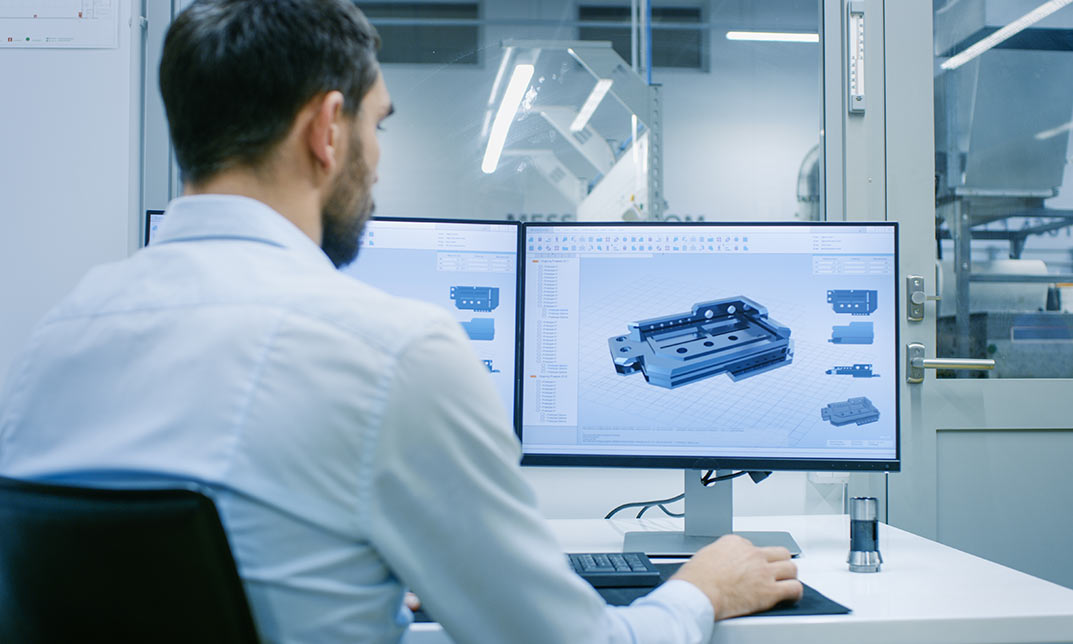
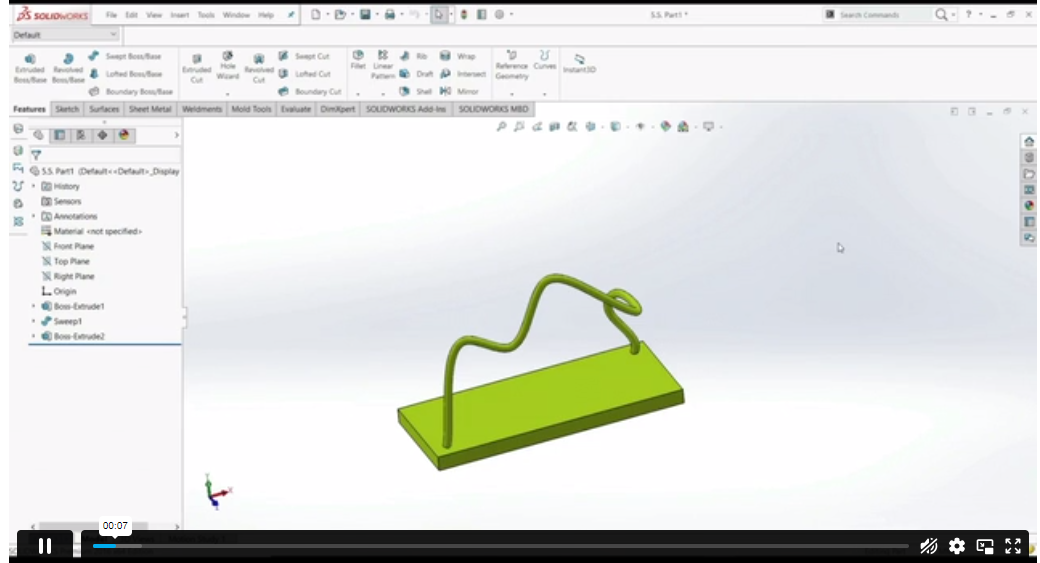
Intermediate Solidworks Course
Course overview Learn about Level 2 Food Hygiene and Safety for Catering quickly and enhance your skills. You will understand Level …
Get This Course and 1500+ others for only £49 Per Year Find Out More

Course Curriculum
| Unit 01: Part Modeling Advanced Techniques- Part 1 | |||
| 1.1 Extruded Boss Advanced | 00:03:00 | ||
| 1.2 Extruded Boss Additional | 00:04:00 | ||
| 1.3 Extruded Cut Advanced | 00:03:00 | ||
| 1.4 Swept Boss | 00:02:00 | ||
| 1.5 Lofted Boss | 00:03:00 | ||
| 1.6 Draft | 00:03:00 | ||
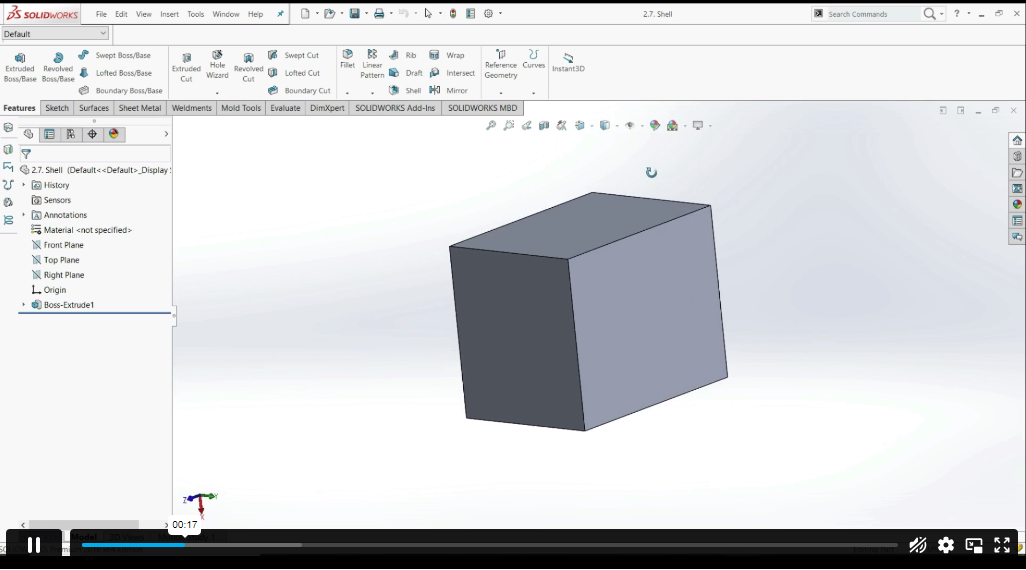
| 1.7 Shell | 00:02:00 | ||
| 1.8 Rib | 00:04:00 | ||
| 1.9 Example #1 | 00:08:00 | ||
| 1.10 Example #2 | 00:07:00 | ||
| Unit 02: Part modeling advanced techniques- Part 2 | |||
| 2.1 Linked dimensions | 00:04:00 | ||
| 2.2 Equations | 00:05:00 | ||
| 2.3 Coordinate System | 00:03:00 | ||
| 2.4 Hole wizard | 00:03:00 | ||
| 2.5 Feature scope | 00:02:00 | ||
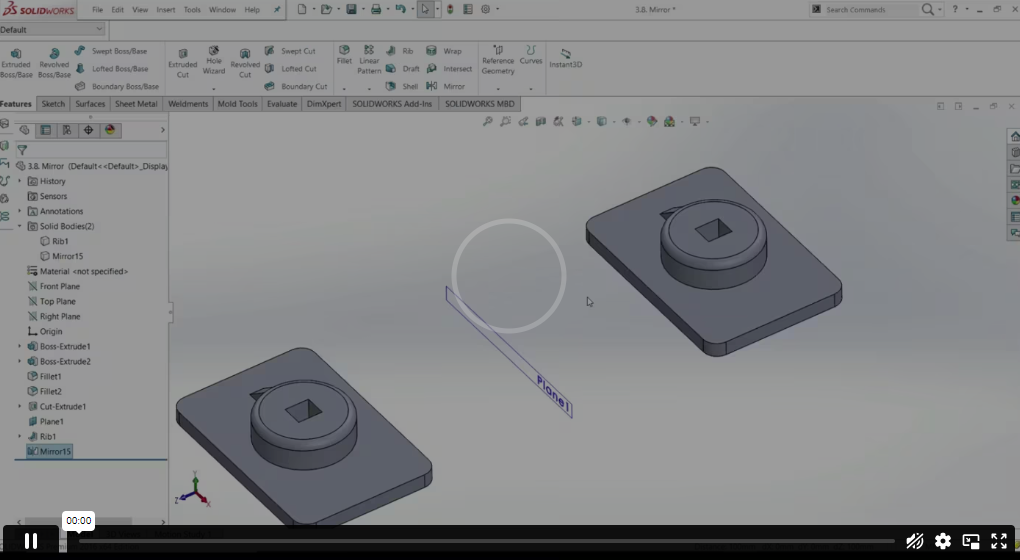
| 2.6 Mirror | 00:03:00 | ||
| 2.7 Example #1 | 00:01:00 | ||
| 2.8 Example #2 | 00:09:00 | ||
| Unit 03: Design Table and Configurations | |||
| 3.1 Creating a Design Table | 00:06:00 | ||
| 3.2 Configurations | 00:05:00 | ||
| 3.3 Example #1 | 00:07:00 | ||
| 3.4 Example #2 | 00:04:00 | ||
| Unit 04: Assembly advanced techniques- Part 1 | |||
| 4.1 Distance and Angle | 00:04:00 | ||
| 4.2 Profile Center | 00:04:00 | ||
| 4.3 Symmetric and Width | 00:06:00 | ||
| 4.4 Path Mate | 00:05:00 | ||
| 4.5 Linear Coupler | 00:06:00 | ||
| 4.6 Example #1 | 00:08:00 | ||
| 4.7 Example #2 | 00:13:00 | ||
| Unit 05: Assembly advanced techniques- Part 2 | |||
| 5.1 Collision Detection | 00:02:00 | ||
| 5.2 Interference Detection | 00:03:00 | ||
| 5.3 Assembly Feature | 00:02:00 | ||
| 5.4 Replacing Part | 00:01:00 | ||
| 5.5 Sub-assembly | 00:03:00 | ||
| 5.6 Example #1 | 00:05:00 | ||
| 5.7 Example #2 | 00:05:00 | ||
| Assignment | |||
| Assignment – Intermediate Solidworks Course | 00:00:00 | ||
Frequently Asked Questions
Upon subscribing you will get unlimited access to more than 2000 courses
Yes, once you purchase the course, you have lifetime access to all content and updates.
All courses come with dedicated support for any questions or technical issues.
All courses come with dedicated support for any questions or technical issues.
All courses come with dedicated support for any questions or technical issues.
All courses come with dedicated support for any questions or technical issues.
Course Reviews
No Reviews found for this course.
Related Courses
How to Handle Tantrums in Children

Advanced Diploma in Cognitive Behavioural Hypnotherapy Level 7

Advanced Diploma in Organisational Skills Level 7

Diploma in Eating Psychology Coach Level 4

Certificate in Emotional Intelligence In Coaching and Mentoring Level 3

Award in Addiction Therapy and Psychology Level 2

Advanced Diploma in Anxiety, Depression & Mental Health Level 7

Certificate in Document Control Level 3

Certificate in Mindfulness Practitioner Level 3

Diploma in Child Psychology and Counselling Level 4
