

-
Login
-
Sign Up

Log in to your iBeauty account
Access Your Account for a Universe of Possibilities
at Your Fingertips.

Sign up and start learning
Take the First Step Towards Learning. Sign Up Today &
Expand Your Horizons!
Log In
Sign Up
Don’t have an account yet? Sign Up
or continue with
By Sign up, you agree to our Terms and Use and Privacy Policy
Already have an account? Sign In
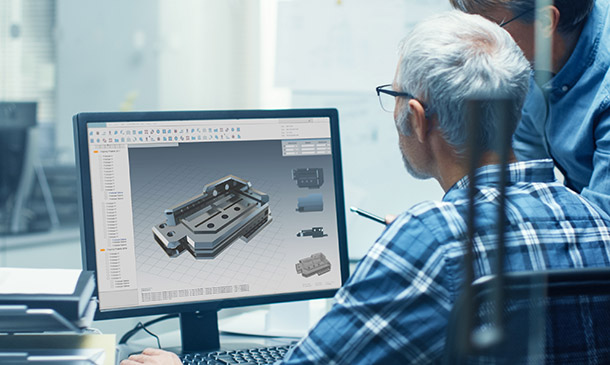
Solidworks
Course overview Learn about Solidworks quickly and enhance your skills. You will understand Solidworks and its key areas, covering the fundamentals and …
Get This Course and 1500+ others for only £49 Per Year Find Out More
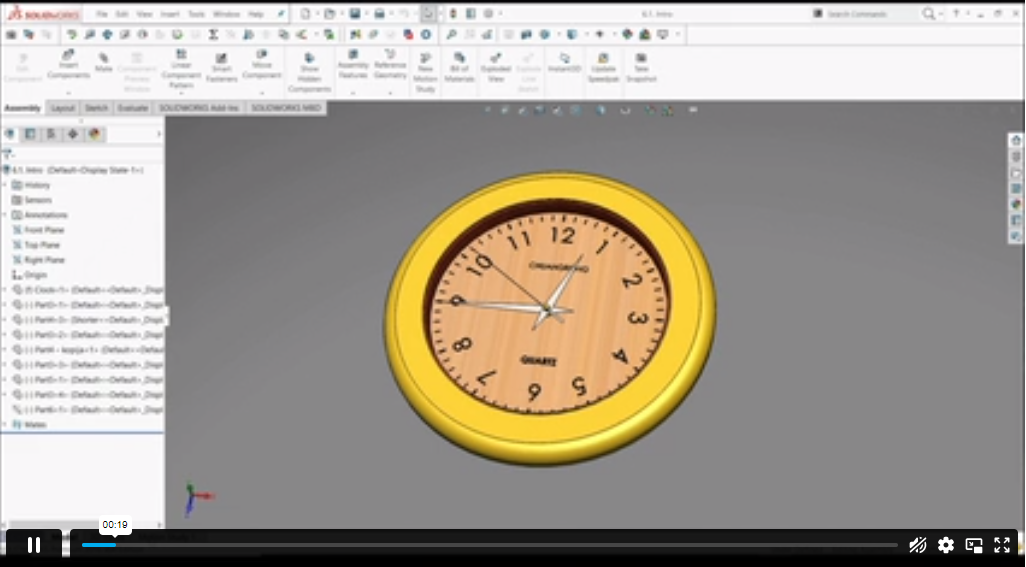
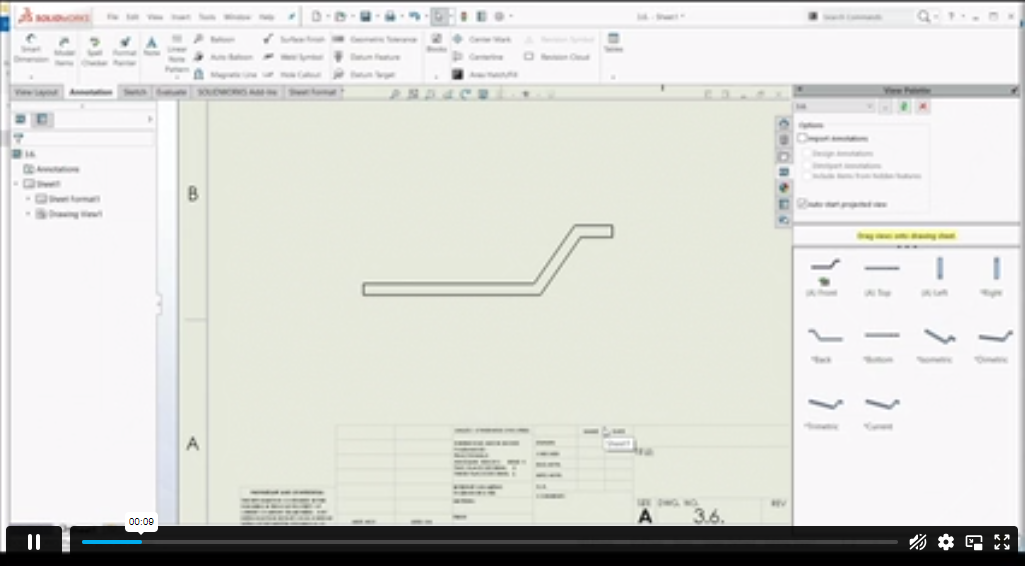


Course Curriculum
| Introduction | |||
| About the course | 00:02:00 | ||
| Course concept | 00:01:00 | ||
| Getting to Know Solidworks | |||
| Creating a New Document | 00:02:00 | ||
| User Interface | 00:02:00 | ||
| Mouse Movements – Sketch | 00:02:00 | ||
| Mouse Movements – Part | 00:03:00 | ||
| Sketch | |||
| Creating a Sketch Document | 00:02:00 | ||
| Basic Sketch Tools | 00:07:00 | ||
| Dimensions and Relations | 00:12:00 | ||
| Mirror Entities | 00:02:00 | ||
| Linear and Circular Sketch Pattern | 00:06:00 | ||
| Units | 00:02:00 | ||
| Sketch to Part Conversion | 00:03:00 | ||
| Opening/Saving Part Document | 00:01:00 | ||
| Part Modeling Basics | |||
| Extruded Boss Base | 00:03:00 | ||
| Extruded Boss Base Additional | 00:04:00 | ||
| Extruded Cut | 00:03:00 | ||
| Sketch on the Part | 00:02:00 | ||
| Sketch on the New Plane | 00:05:00 | ||
| Draft | 00:03:00 | ||
| Shell | 00:02:00 | ||
| Fillet and Chamfer | 00:03:00 | ||
| Convert and Offset Entities | 00:02:00 | ||
| Lofted Boss | 00:03:00 | ||
| Revolved Boss | 00:02:00 | ||
| Swept Boss | 00:05:00 | ||
| Part and Sketch Modification | 00:02:00 | ||
| Part Modeling Advanced | |||
| 3D Sketch | 00:03:00 | ||
| Density and Material | 00:02:00 | ||
| Measuring Tools | 00:03:00 | ||
| Linked Dimensions | 00:04:00 | ||
| Equations | 00:05:00 | ||
| Mirror | 00:03:00 | ||
| Hole Wizard | 00:03:00 | ||
| Reference Geometry | 00:03:00 | ||
| Feature Scope | 00:02:00 | ||
| Configurations And Design Table | |||
| Creating a Design Table | 00:06:00 | ||
| Adding Configurations | 00:05:00 | ||
| Assembly Basics | |||
| Inserting Part Relative to the Origin | 00:02:00 | ||
| Inserting Parts Relative to Planes | 00:02:00 | ||
| Standard Mates | 00:04:00 | ||
| Move Components | 00:02:00 | ||
| Mirror Component | 00:01:00 | ||
| Sketch in Assembly | 00:03:00 | ||
| Assembly Advanced | |||
| Distance and Angle | 00:04:00 | ||
| Profile Centre | 00:04:00 | ||
| Symmetry and Width | 00:05:00 | ||
| Path Mate | 00:05:00 | ||
| Linear Coupler | 00:22:00 | ||
| Collision Detection | 00:02:00 | ||
| Interference Detection | 00:03:00 | ||
| Assembly Features | 00:02:00 | ||
| Replacing Parts | 00:01:00 | ||
| Subassembly | 00:03:00 | ||
| Drawing Basics | |||
| Creating a Drawing Sheet | 00:01:00 | ||
| Orthographic Views and Edit Sheet | 00:04:00 | ||
| Projected View and View Properties | 00:02:00 | ||
| Smart Dimension and Model Item | 00:05:00 | ||
| Saving Options | 00:01:00 | ||
| Relative to Model View | 00:03:00 | ||
| Section View | 00:04:00 | ||
| Auxiliary View | 00:03:00 | ||
| Detail View | 00:02:00 | ||
| Broken Out Section | 00:02:00 | ||
| Break View | 00:02:00 | ||
| Alternate Position View | 00:02:00 | ||
| View Focus | 00:02:00 | ||
| Drawing Advanced | |||
| Bill of Materials (BOM) | 00:03:00 | ||
| Bom Sort | 00:01:00 | ||
| Missing Item in Bom | 00:02:00 | ||
| Custom Properties | 00:02:00 | ||
| Equations in Bom | 00:03:00 | ||
| Show/Hide Component | 00:02:00 | ||
| Linked Notes | 00:02:00 | ||
| Measuring Tool | 00:02:00 | ||
| Isometric Section View | 00:01:00 | ||
| Appearance, Scene and Rendering | |||
| Applying Materials | 00:08:00 | ||
| Appearance | 00:05:00 | ||
| Working with Woods | 00:05:00 | ||
| Working with Glass | 00:04:00 | ||
| Scene | 00:04:00 | ||
| Light | 00:07:00 | ||
| Camera | 00:04:00 | ||
| Decals | 00:07:00 | ||
| Text | 00:05:00 | ||
| Options | 00:04:00 | ||
| Rendering Panel | 00:03:00 | ||
| Schedule Rendering | 00:02:00 | ||
| Animation | |||
| Creating Motion Study | 00:02:00 | ||
| Animation Wizard | 00:08:00 | ||
| Applying Motor | 00:04:00 | ||
| Appearance and Camera Position | 00:07:00 | ||
| Walkthrough Part-1 | 00:09:00 | ||
| Walkthrough Part-2 | 00:06:00 | ||
| Resources | |||
| Resources – Solidworks: Beginner to Advanced | 00:00:00 | ||
| Assignment | |||
| Assignment – Solidworks: Beginner to Advanced | 00:00:00 | ||
Frequently Asked Questions
Upon subscribing you will get unlimited access to more than 2000 courses
Yes, once you purchase the course, you have lifetime access to all content and updates.
All courses come with dedicated support for any questions or technical issues.
All courses come with dedicated support for any questions or technical issues.
All courses come with dedicated support for any questions or technical issues.
All courses come with dedicated support for any questions or technical issues.
Course Reviews
No Reviews found for this course.
Related Courses
How to Handle Tantrums in Children

Advanced Diploma in Cognitive Behavioural Hypnotherapy Level 7

Advanced Diploma in Organisational Skills Level 7

Diploma in Eating Psychology Coach Level 4

Certificate in Emotional Intelligence In Coaching and Mentoring Level 3

Award in Addiction Therapy and Psychology Level 2

Advanced Diploma in Anxiety, Depression & Mental Health Level 7

Certificate in Document Control Level 3

Certificate in Mindfulness Practitioner Level 3

Diploma in Child Psychology and Counselling Level 4
