
-
Login
-
Sign Up

Log in to your iBeauty account
Access Your Account for a Universe of Possibilities
at Your Fingertips.

Sign up and start learning
Take the First Step Towards Learning. Sign Up Today &
Expand Your Horizons!
Log In
Sign Up
Don’t have an account yet? Sign Up
or continue with
By Sign up, you agree to our Terms and Use and Privacy Policy
Already have an account? Sign In
![VMware vSphere Install Configure & Manage [v7]](https://ibeautymakeup.co.uk/wp-content/uploads/2023/07/VMware-vSphere-Install-Configure-Manage-v7.jpg)
VMware vSphere Install Configure & Manage [v7]
Course overview Learn about Effective Listening Skills for Leaders quickly and enhance your skills. You will understand Effective Listening Skills for …
Get This Course and 1500+ others for only £49 Per Year Find Out More


Course Curriculum
| Section 01: Introduction | |||
| Who’s the Intended Audience? | 00:02:00 | ||
| Getting VMware Certified | 00:05:00 | ||
| What is Virtual Machine and Hypervisor? | 00:04:00 | ||
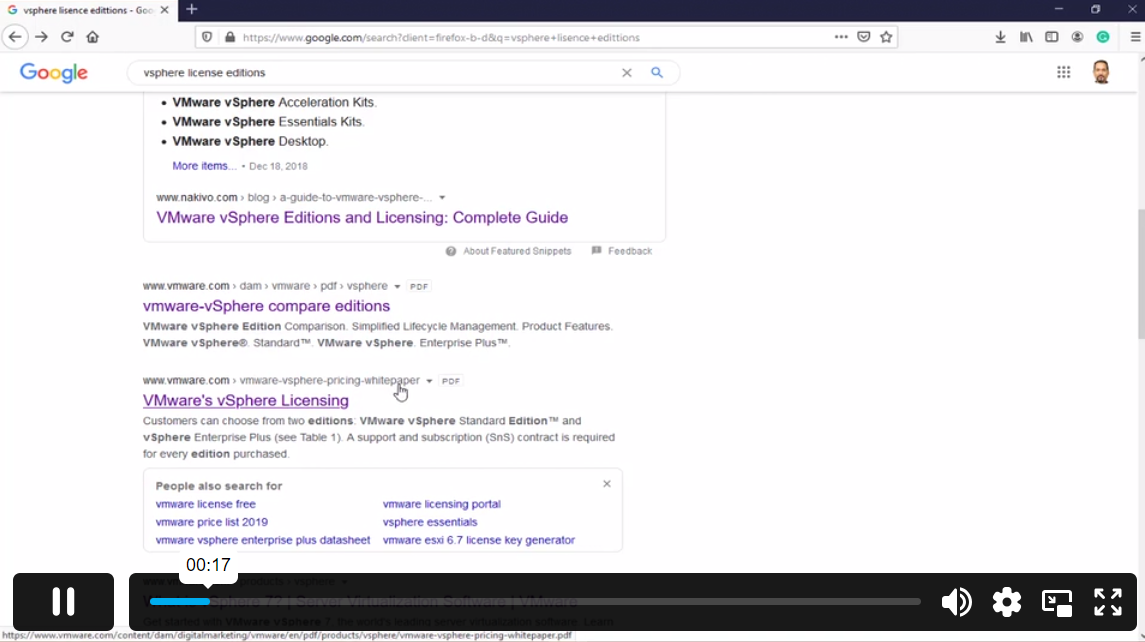
| vSphere Licensing Editions | 00:04:00 | ||
| What’s the New in VMware vSphere7 | 00:03:00 | ||
| vCenter and the Role | 00:03:00 | ||
| VMware Hands on Lab | 00:06:00 | ||
| Section 02: Install & Configure ESXi | |||
| What This Module Covers | 00:01:00 | ||
| Virtualization System Requirements | 00:04:00 | ||
| What do we need to start the course? | 00:05:00 | ||
| Download VMware workstation | 00:01:00 | ||
| Install VMware workstation | 00:02:00 | ||
| Download ESXi and vCenter server | 00:04:00 | ||
| Download ESXi and vCenter server | 00:04:00 | ||
| How to boot a VM from in VMware Workstation | 00:07:00 | ||
| Configure ESX Part 1 | 00:09:00 | ||
| Configure ESX Part 2 | 00:05:00 | ||
| ESXi by a Browser | 00:03:00 | ||
| ESXi Settings | 00:05:00 | ||
| Create a Datastore in ESXi | 00:04:00 | ||
| Upload a Windows ISO file to ESXi | 00:01:00 | ||
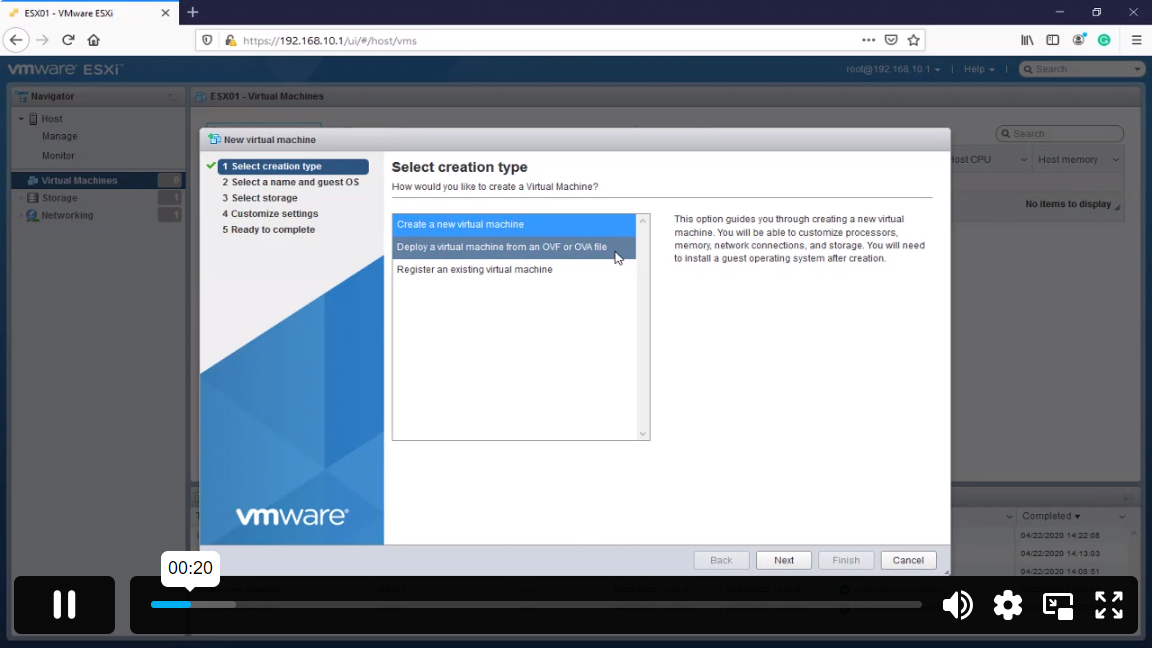
| Install a Virtual Machine in ESXi | 00:07:00 | ||
| Connect to an ESXi by VMware Workstation | 00:02:00 | ||
| Section 03: Install & Deploy vCenter Server and Configuration | |||
| What This Module Covers | 00:01:00 | ||
| Why Do We Need Active Directory | 00:01:00 | ||
| Prepare Active Directory Windows 2019 | 00:06:00 | ||
| Create Virtual Machine Template for VMware Workstation | 00:06:00 | ||
| Install Active Directory Role | 00:05:00 | ||
| Creating DNS Record for vCenter | 00:02:00 | ||
| Deploy and install vCenter Appliance | 00:12:00 | ||
| Adding ESXis to VC | 00:03:00 | ||
| AUTO start VM | 00:03:00 | ||
| Verify AUTO Start VM | 00:03:00 | ||
| Take Snapshot from vSphere Lab | 00:03:00 | ||
| Enable SSH on ESX | 00:02:00 | ||
| ESXi DCUI Console | 00:01:00 | ||
| vCSA’s Management Ul | 00:06:00 | ||
| Backing up VCSA with ftp Server | 00:06:00 | ||
| Install ftp Server Using FileZilla Server | 00:05:00 | ||
| Restore VCSA | 00:09:00 | ||
| Exploring vCSA with vSphere Client | 00:07:00 | ||
| Overview of VM Tools | 00:02:00 | ||
| Install VM Tools | 00:04:00 | ||
| Virtual Machine Files | 00:02:00 | ||
| Virtual Machine Power off | 00:04:00 | ||
| OVA and OVF Files | 00:03:00 | ||
| Demo OVF (Importing and Exporting) | 00:04:00 | ||
| Section 04: VMware Virtual Switch | |||
| What This Module Covers | 00:01:00 | ||
| Virtual Switch (vSwitch) Overview | 00:03:00 | ||
| Standard vSwitches | 00:02:00 | ||
| Distributed vSwitches | 00:02:00 | ||
| Adding Network Adapter | 00:03:00 | ||
| vSwitch Creation and Configuration | 00:07:00 | ||
| Assign New Switch to the Virtual Machine | 00:02:00 | ||
| Verify New vSwitch Configuration | 00:06:00 | ||
| Adding VMkernel for Management and Vmotion Traffic | 00:03:00 | ||
| Create a vSphere Distributed Switch | 00:10:00 | ||
| Section 05: VMware Storage | |||
| What This Module Covers | 00:01:00 | ||
| Overview of Using ESXi with a SAN | 00:02:00 | ||
| Types of Storage | 00:03:00 | ||
| What Is Software-Defined Storage (SEIS) | 00:04:00 | ||
| What is File Level Storage and Block Level Storage | 00:03:00 | ||
| What is an iScsi Storage? | 00:08:00 | ||
| Adding vSwitch for iScsi Target | 00:05:00 | ||
| Adding Disk to Active Directory | 00:02:00 | ||
| Enable iScsi Target on Windows Server | 00:05:00 | ||
| Adding iSsci Disk as ESXi Datastore | 00:08:00 | ||
| Expand and Extend Datastore | 00:08:00 | ||
| Enable NFS on Windows Server | 00:05:00 | ||
| Creating an NFS Datastore | 00:03:00 | ||
| Migrate a VM to NFS Share | 00:04:00 | ||
| VM Add to Inventory | 00:02:00 | ||
| Section 06: Upgrading vSphere 7 | |||
| What This Module Covers | 00:01:00 | ||
| Update Sequence | 00:03:00 | ||
| vCenter 6.7 Upgrade to vCenter 7 | 00:08:00 | ||
| Upgrade ESXi 6.7 ESXi 7 using Bundle File | 00:07:00 | ||
| Upgrade ESXi 6.7 ESXi 7 using Bundle File | 00:07:00 | ||
| Introduction to vSphere 7 Lifecycle Management | 00:03:00 | ||
| Demo vSphere 7 Lifecycle Management | 00:17:00 | ||
| Section 07: vCenter Features | |||
| What This Module Covers | 00:01:00 | ||
| vCenter 7 MultiMorning | 00:02:00 | ||
| Demo Configure vCenter J MultiMorning | 00:04:00 | ||
| vCenter 7 PNID and FQDN Changes | 00:10:00 | ||
| vCenter Server Profiles | 00:04:00 | ||
| v5phere 7 Licensing | 00:03:00 | ||
| Section 08: Backing up VMs | |||
| What the Module Covers | 00:01:00 | ||
| Manual Backup and restore from a VM | 00:06:00 | ||
| Backup a VM using Filezilla | 00:05:00 | ||
| Backup a VM using OVF Files | 00:06:00 | ||
| Clone and Snapshot | 00:08:00 | ||
| Installing Veeam Backup and Replication | 00:05:00 | ||
| Backup and Restore Using Veeam Backup Software | 00:09:00 | ||
| Upload VM from Workstation to ESXi | 00:04:00 | ||
| Section 09: Securing a vSphere 7 Deployment | |||
| What This Module Covers | 00:01:00 | ||
| User Identity | 00:04:00 | ||
| Users and Poles | 00:11:00 | ||
| Define a New Role in vSphere | 00:04:00 | ||
| Account Policy and Message | 00:03:00 | ||
| Firewall and Service | 00:11:00 | ||
| Enable Lockdown Mode | 00:09:00 | ||
| Section 10: Troubleshooting | |||
| What This Module Covers | 00:01:00 | ||
| Troubleshooting using ESXi Management Agents | 00:05:00 | ||
| Working with vCenter 7 Logs | 00:04:00 | ||
| ESXi Shell Power on and off Commands | 00:05:00 | ||
| Section 11: vSphere 6.7 Monitoring Tools | |||
| What This Module Covers | 00:01:00 | ||
| Monitoring Virtual Machines in vSphere 7 | 00:15:00 | ||
| Introduction to ESXTOP Command in ESXi | 00:04:00 | ||
| Using ESXTOP to Monitor an ESXi 6.0 Host | 00:07:00 | ||
| Monitor Vsphere with Veeam ONE | 00:07:00 | ||
| Assignment | |||
| Assignment – VMware vSphere Install Configure & Manage [v7] | 00:00:00 | ||
Frequently Asked Questions
Upon subscribing you will get unlimited access to more than 2000 courses
Yes, once you purchase the course, you have lifetime access to all content and updates.
All courses come with dedicated support for any questions or technical issues.
All courses come with dedicated support for any questions or technical issues.
All courses come with dedicated support for any questions or technical issues.
All courses come with dedicated support for any questions or technical issues.
Course Reviews
No Reviews found for this course.
Related Courses
Create Videos, Motion Graphics and Animation Using Canva

Introduction to QGIS for Remote Sensing

IT Security Basics

IT Support Technician

Foundations of Artificial Intelligence

Python 3 Programming Course Intermediate

Data Analysis and Forecasting in Excel

PCB Design for everyone with EasyEDA a free and online tool

Excel 2016 Formulas and Functions

Internet of Things