
-
Login
-
Sign Up

Log in to your iBeauty account
Access Your Account for a Universe of Possibilities
at Your Fingertips.

Sign up and start learning
Take the First Step Towards Learning. Sign Up Today &
Expand Your Horizons!
Log In
Sign Up
Don’t have an account yet? Sign Up
or continue with
By Sign up, you agree to our Terms and Use and Privacy Policy
Already have an account? Sign In

AutoCAD Plugin Development Using VB.NET and Windows Forms
Course overview Learn about Microsoft Teams for Managers quickly and enhance your skills. You will understand Microsoft Teams for Managers and its …
Get This Course and 1500+ others for only £49 Per Year Find Out More

Course Curriculum
| Course Outline | |||
| Landing Page | 00:02:00 | ||
| Course Outline | 00:03:00 | ||
| Introduction | |||
| Introduction | 00:05:00 | ||
| Who is this course for? | 00:04:00 | ||
| Tools Needed for this Course | 00:01:00 | ||
| What will you learn from this Course? | |||
| What will you learn from this Course – Overview | 00:06:00 | ||
| Windows Form and Controls | |||
| Windows Form and Controls – Overview | 00:04:00 | ||
| ControlsDemo Project – Overview | 00:03:00 | ||
| ControlsDemo Project – Creating the Project | 00:04:00 | ||
| Controls Demo Project – Designing the Form | 00:19:00 | ||
| ControlsDemo Project – Creating the Utility Class | 00:10:00 | ||
| ControlsDemo Project – Coding the Combobox Control | 00:15:00 | ||
| ControlsDemo Project – Coding the Textbox Control | 00:10:00 | ||
| ControlsDemo Project – Coding the Radiobutton Control | 00:08:00 | ||
| ControlsDemo Project – Coding the Checkbox Control | 00:17:00 | ||
| Developing Projects | |||
| Draw Rectangle Project – Overview | 00:03:00 | ||
| Creating the DrawRectangle Project | 00:04:00 | ||
| DrawRectangle Project – Creating the Utility Class | 00:20:00 | ||
| DrawRectangle Project – Designing the Form | 00:15:00 | ||
| DrawRectangle Project – Coding the User Interface Part 1 | 00:24:00 | ||
| DrawRectangle Project – Coding the User Interface Part 2 | 00:18:00 | ||
| DrawRectangle Project – Running the Program | 00:06:00 | ||
| Automate Update Layer Project – Overview | 00:02:00 | ||
| Creating the AutomateUpdateLayer Project | 00:03:00 | ||
| AutomateUpdateLayer Project – Creating the Utility Class | 00:17:00 | ||
| AutomateUpdateLayer Project – Designing the User Interface | 00:07:00 | ||
| AutomateUpdateLayer Project – Coding the Form | 00:18:00 | ||
| AutomateUpdateLayer Project – Running the Program | 00:07:00 | ||
| Automatic Block Extractor Project – Overview | 00:03:00 | ||
| AutomaticBlockExtractor Project – Creating the Project | 00:03:00 | ||
| AutomaticBlockExtractor Project – Creating the User Interface | 00:09:00 | ||
| AutomaticBlockExtractor Project – Coding the Form | 00:27:00 | ||
| AutomaticBlockExtractor Project – Creating the Utility Class | 00:27:00 | ||
| AutomaticBlockExtractor Project – Running the Program | 00:10:00 | ||
| AutomateUpdateTextStyles Project – Overview | 00:03:00 | ||
| AutomateUpdateTextStyle Project – Creating the Project | 00:02:00 | ||
| AutomateUpdateTextStyle Project – Creating the User Interface | 00:09:00 | ||
| AutomateUpdateTextStyle Project – Coding the Form | 00:20:00 | ||
| AutomateUpdateTextStyle Project – Coding the Utility Class | 00:16:00 | ||
| AutomateUpdateTextStyle Project – Running the Program | 00:08:00 | ||
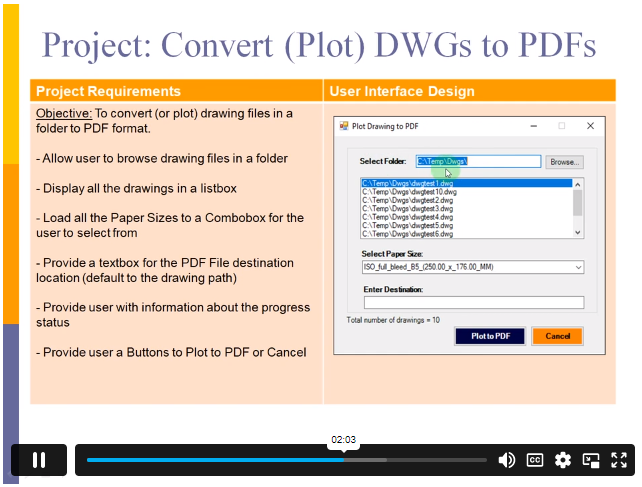
| Multiple Plot DWG to PDF Project – Overview | 00:03:00 | ||
| MultiplePlotDWGtoPDF Project – Creating the Project | 00:04:00 | ||
| MultiplePlotDWGtoPDF Project – Creating the User Interface | 00:09:00 | ||
| MultiplePlotDWGtoPDF Project – Coding the Form | 00:20:00 | ||
| MultiplePlotDWGtoPDF Project – Creating the Utility Class | 00:30:00 | ||
| MultiplePlotDWGtoPDF Project – Running the Program | 00:13:00 | ||
| Multiple Object Extractor Project – Overview | 00:03:00 | ||
| MultipleObjectExtractor Project – Creating the Project | 00:02:00 | ||
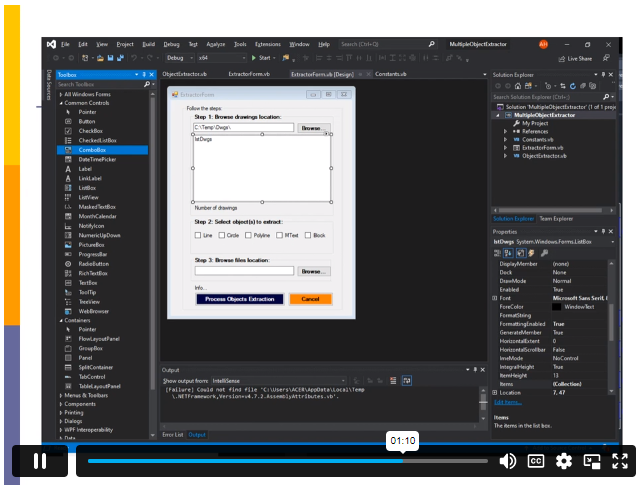
| MultipleObjectExtractor Project – Creating the User Interface | 00:15:00 | ||
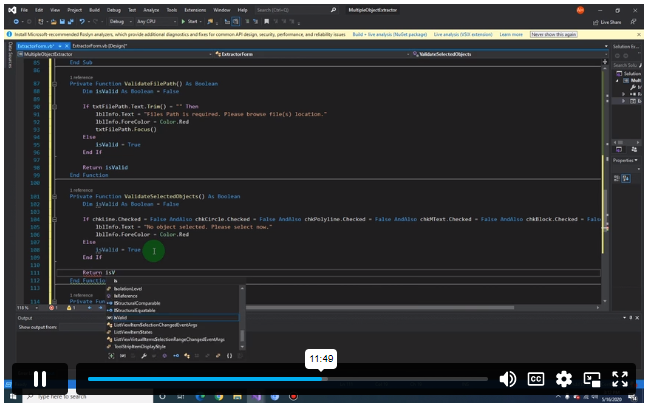
| MultipleObjectExtractor Project – Coding the Form Load Event | 00:05:00 | ||
| MultipleObjectExtractor Project – Coding the Browse Buttons | 00:10:00 | ||
| MultipleObjectExtractor Project – Coding the Extract Button | 00:20:00 | ||
| MultipleObjectExtractor Project – Coding the ProcessDrawing Method | 00:09:00 | ||
| MultipleObjectExtractor Project – Coding the ProcessObjectExtraction Method | 00:11:00 | ||
| MultipleObjectExtractor Project – Coding the ExtractLine Method | 00:09:00 | ||
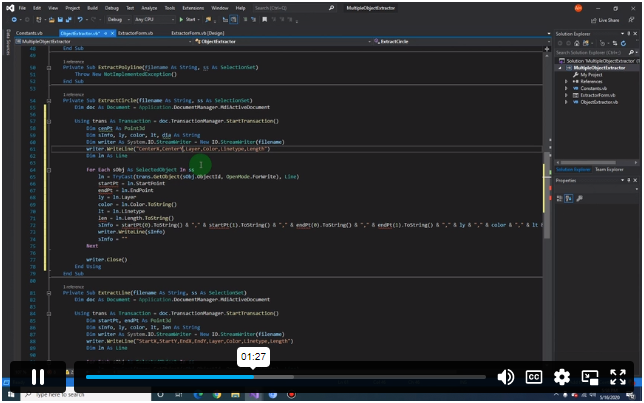
| MultipleObjectExtractor Project – Coding the ExtractCircle Method | 00:03:00 | ||
| MultipleObjectExtractor Project – Coding the ExtractPolyline Method | 00:09:00 | ||
| MultipleObjectExtractor Project – Coding the ExtractMText Method | 00:05:00 | ||
| MultipleObjectExtractor Project – Coding the ExtractBlock Method | 00:05:00 | ||
| MultipleObjectExtractor Project – Running the Program | 00:15:00 | ||
Frequently Asked Questions
Upon subscribing you will get unlimited access to more than 2000 courses
Yes, once you purchase the course, you have lifetime access to all content and updates.
All courses come with dedicated support for any questions or technical issues.
All courses come with dedicated support for any questions or technical issues.
All courses come with dedicated support for any questions or technical issues.
All courses come with dedicated support for any questions or technical issues.
Course Reviews
No Reviews found for this course.
Related Courses
Create Videos, Motion Graphics and Animation Using Canva

Introduction to QGIS for Remote Sensing

IT Security Basics

IT Support Technician

Foundations of Artificial Intelligence

Python 3 Programming Course Intermediate

Data Analysis and Forecasting in Excel

PCB Design for everyone with EasyEDA a free and online tool

Excel 2016 Formulas and Functions

Internet of Things